Local Storage vs Cloud Security Cameras
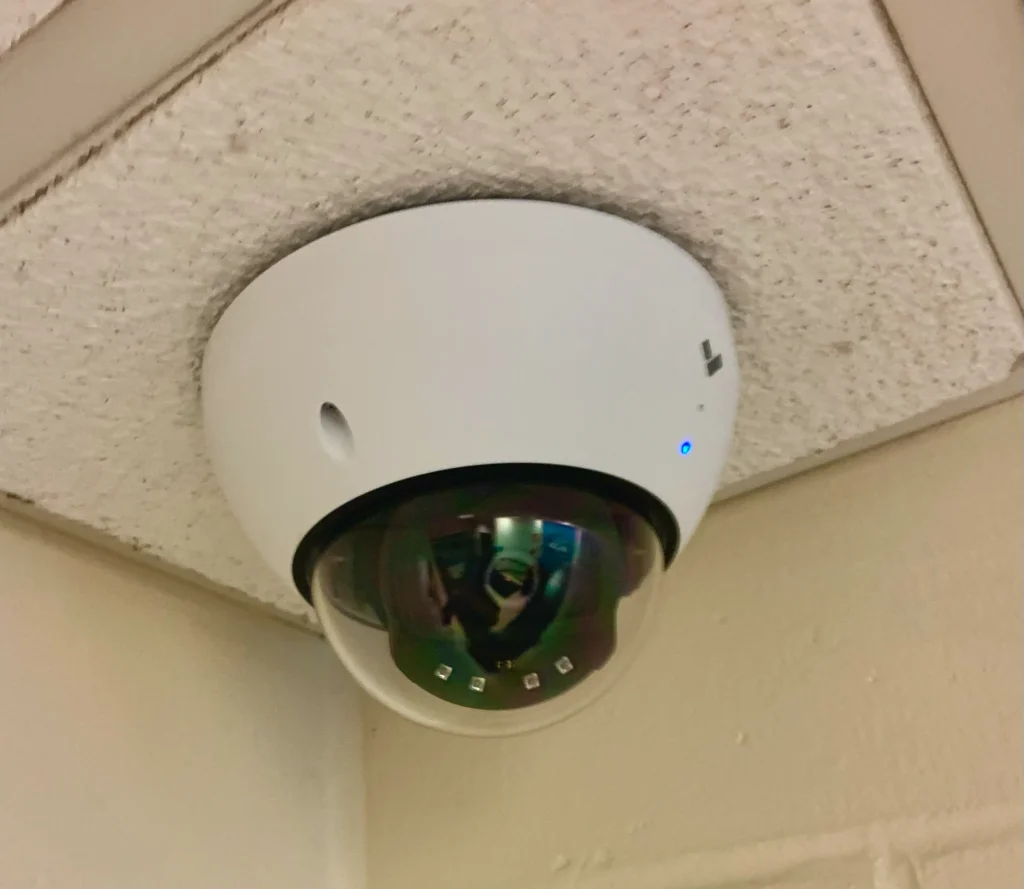
Quick Verdict: The local storage vs cloud security cameras debate comes down to control versus convenience. Local storage (a microSD card, built-in memory, or a home NVR/HomeBase) keeps footage on your own hardware with no monthly fee and no dependence on the internet — best for privacy and long-term cost, but vulnerable if a thief takes the device and limited unless you add hardware. Cloud storage keeps footage off-site on the manufacturer’s servers, safe from on-site theft and accessible anywhere — but it requires an ongoing subscription, depends on your internet connection, and means trusting a third party with your video. Many of the best 2026 cameras let you use either or both; the right choice depends on your priorities around cost, privacy, and convenience.
Local vs Cloud Storage: Comparison at a Glance
| Factor | Local Storage | Cloud Storage |
|---|---|---|
| Ongoing cost | None (after hardware) | Monthly/annual subscription |
| Footage if device stolen | Can be lost with the device | Safe off-site |
| Internet dependence | Records without internet | Needs internet to upload |
| Privacy | Footage stays on your hardware | Stored on third-party servers |
| Remote access | Possible but more setup | Built-in, access anywhere |
| Capacity | Limited by card/drive size | Scales with plan |
| Example | Wyze Cam v4 (microSD), Eufy (built-in) | Ring Protect, Nest Aware, Arlo Secure |
How We Compared These Storage Approaches
This comparison draws on independent expert coverage and the published storage options of leading camera brands. We focus on the practical trade-offs that determine which approach fits a given household — cost, security of the footage itself, privacy, internet dependence, and convenience — and present them honestly. We don’t accept payment for placement. Note that many modern cameras support both methods, so this isn’t always an either/or decision.
Cost Over Time
This is the most clear-cut difference. Local storage has a one-time cost: a microSD card, a camera with built-in memory, or a home base/NVR. After that, there are no recurring fees to keep recording. The Wyze Cam v4 (microSD up to 256GB) and the Eufy SoloCam S340 (8GB built in, expandable via HomeBase) are good examples of cameras that record locally with no subscription.
Cloud storage flips this to a recurring model. Plans like Ring Protect (roughly $4–$10+/month), Nest Aware (around $8–$15/month), and Arlo Secure (about $8–$18/month) charge monthly or annually for as long as you want footage saved. Over several years those fees add up substantially — often exceeding the cost of the camera itself. If minimizing long-term cost is your priority, local storage wins decisively.
Security of the Footage Itself
Here the trade-off reverses. With local storage, the footage lives on the same premises as the camera — which means a determined intruder who finds and takes the camera or recorder can take the evidence with it. That’s a real, if uncommon, risk, and it’s the single biggest argument for the cloud. Cloud storage uploads footage off-site to the manufacturer’s servers, so even if the camera is stolen or destroyed, the recorded clips of the incident are safely retained and reviewable. For protecting the evidence of a break-in, cloud has a structural advantage. (Some systems mitigate the local risk by hiding the recorder or combining local recording with cloud backup.)
Internet Dependence and Reliability
Local storage keeps recording even when your internet is down — the camera writes to its card or local drive regardless of connectivity, which is valuable during outages or in locations with unreliable broadband. Cloud storage, by contrast, depends on a working internet connection to upload footage; if your connection drops, cloud recording can be interrupted and you may lose those clips (though some cameras buffer locally and upload when the connection returns). If you live somewhere with spotty internet, local storage is the more dependable choice.
Privacy
For privacy-conscious users, local storage is the stronger option: your footage never leaves your hardware, so you aren’t trusting a third party to store, secure, and not mishandle your video. This matters especially for indoor cameras. Cloud storage requires placing trust in the provider’s security and data practices — and the industry has seen breaches and privacy incidents over the years. Neither approach is automatically “safe” or “unsafe”: local storage can be compromised if your network is, and reputable cloud providers invest heavily in encryption. But if keeping video out of third-party hands is a priority, local storage is the way to go.
It’s worth distinguishing between two privacy concerns: who can access your footage, and where it physically lives. Local storage addresses both by keeping video on your own device, but it still requires you to secure your home network and the camera’s account, since a compromised network can expose locally-stored video too. Cloud storage concentrates the risk at the provider — a breach or a misconfigured account can expose footage — but reputable providers offer protections like end-to-end encryption on supported devices and mandatory two-factor authentication. The most privacy-protective real-world setup is usually a camera that records locally and offers optional end-to-end-encrypted cloud backup, so you control where everyday footage lives while still protecting critical events. For indoor cameras in particular, many privacy-focused buyers simply prefer local-only recording and accept the trade-offs.
Convenience and Remote Access
Cloud wins on sheer convenience. Footage is automatically uploaded and accessible from anywhere through the app, with no hardware to manage and capacity that scales with your plan. Smart features like AI detection and easy clip sharing are often tied to cloud plans. Local storage is a bit more hands-on: you may need to manage card capacity (older footage is overwritten when the card fills), and remote access to locally-stored video can require extra setup. For users who want everything to “just work” from their phone anywhere, cloud is the smoother experience.
Capacity, Retention, and How Long Footage Lasts
The two approaches handle “how much can I keep” very differently. Local storage is capped by your hardware: a 256GB microSD card holds a finite amount, and once it fills, the camera overwrites the oldest footage in a continuous loop. That’s fine for reviewing recent days but means you can’t keep months of history unless you add a large drive or a dedicated recorder. Cloud retention is defined by your plan — Ring offers up to about 180 days, Nest Aware around 30 to 60 days, and Arlo Secure roughly 30 days — and scales without you touching hardware. So if you need a long look-back window (say, to spot a pattern of activity over weeks), cloud plans generally make that easier, while local storage favors recent footage with no ongoing cost. The practical middle ground is recording locally for everyday review and pushing only important clips to the cloud for longer keeping.
Reliability and What Can Go Wrong
Each approach has distinct failure modes worth understanding. Local storage can fail silently — a cheap or worn-out microSD card can stop recording without obvious warning, so it’s wise to use a reputable high-endurance card and check periodically that recording is actually working. A local recorder or HomeBase can also fail as a single point of failure for multiple cameras. Cloud storage’s failure modes are different: an internet outage interrupts uploads, a lapsed subscription can mean losing access to footage, and you’re dependent on the provider’s servers and account security staying intact. Neither approach is “set and never check”; local storage rewards occasional hardware checks, while cloud storage rewards keeping your account secure and your subscription active. A hybrid setup hedges against both sets of risks.
The Hybrid Approach: Best of Both
Increasingly, the smartest answer isn’t either/or. Many capable cameras in 2026 record locally to a card or base station while also offering optional cloud backup of important events. This hybrid model neutralizes the biggest weakness of each approach: local recording keeps everyday footage free and available even during an internet outage, while cloud backup of motion events ensures the evidence survives if a thief takes the camera. Some systems, like Eufy’s HomeBase-based setups, even run advanced AI locally so you get smart detection without sending video to a subscription cloud at all. If your priority is resilience — making sure you never lose the footage that matters — pairing local primary storage with selective cloud backup is the most robust configuration, and it’s worth choosing a camera that supports both when you buy.
Which Should You Choose? Verdict by Priority
Lowest Long-Term Cost: Choose Local
If avoiding monthly fees is the goal, a camera with local storage and no required subscription — like the Wyze Cam v4 or Eufy SoloCam S340 — saves you hundreds of dollars over the camera’s lifetime.
Maximum Privacy: Choose Local
If you don’t want your footage on third-party servers, local storage keeps everything on your own hardware. This is especially worth considering for indoor cameras.
Protecting Evidence of Theft: Choose Cloud (or Both)
If your main worry is that a burglar takes the camera along with the evidence, cloud storage keeps the footage safely off-site. A camera that supports both local recording and cloud backup gives you the best of both.
Convenience and Remote Access: Choose Cloud
If you want footage accessible from anywhere with zero hardware management and the latest AI features, cloud subscriptions deliver the smoothest experience — at the cost of a recurring fee.
Frequently Asked Questions
Is local or cloud storage cheaper for security cameras?
Local storage is cheaper over time. It has a one-time cost (a microSD card or a camera with built-in memory) and then no recurring fees. Cloud storage charges a monthly or annual subscription that, over several years, often exceeds the price of the camera itself. For lowest long-term cost, local storage wins.
What happens to local footage if the camera is stolen?
If footage is stored only on the camera or a recorder on-site, a thief who takes the device can take the evidence with it. This is the main drawback of local-only storage. Cloud storage avoids this by keeping footage off-site, and some systems combine local recording with cloud backup to cover both risks.
Does cloud storage work without internet?
No. Cloud storage needs a working internet connection to upload footage. If your connection drops, cloud recording can be interrupted, though some cameras buffer locally and upload when the connection returns. Local storage, by contrast, keeps recording regardless of internet status.
Which is more private, local or cloud?
Local storage is generally more private because footage stays on your own hardware rather than a third party’s servers. Cloud storage requires trusting the provider’s security and data practices. Both can be made reasonably secure, but for keeping video out of third-party hands, local storage is the stronger choice.
Can I use both local and cloud storage?
Often yes. Many modern cameras support local recording (microSD or a base station) alongside an optional cloud plan, giving you no-fee local footage plus off-site backup of important events. This combination addresses both the theft risk of local-only and the cost of cloud-only.
Do I need a subscription to use a security camera?
Not necessarily. Cameras with local storage — like the Wyze Cam v4 or Eufy SoloCam S340 — can record and let you review footage with no subscription. Cloud-dependent cameras and advanced AI features typically require a paid plan. Choosing a local-storage camera is the way to avoid recurring fees.
Final Verdict
The right answer to local storage vs cloud security cameras depends on which risk you weigh more heavily. Local storage is the winner for long-term cost and privacy: no monthly fees, footage that never leaves your hardware, and recording that continues even when the internet is down. Cloud storage is the winner for protecting evidence and convenience: footage is safe off-site if the camera is stolen, and it’s accessible from anywhere with no hardware to manage. Because many of the best cameras in 2026 support both, the smartest setup for many homes is a hybrid — record locally to avoid fees, and back up critical events to the cloud for safekeeping. Decide which matters most to you, and check current options on Amazon to find a camera that supports your preferred approach.
Last updated: June 2026
See our main guide: Best Home Security Cameras.