Ever walked up to a house at night and had the porch light magically flick on? Or perhaps you’ve seen a security camera that only starts recording when someone enters the frame. That’s not magic; it’s technology. And chances are, you’re wondering How Does A Pir Motion Sensor Work to make that happen. It’s one of the most brilliant and common pieces of tech in modern security, and understanding it is the first step to building a truly smart and effective security system for your home or business. Let’s pull back the curtain and demystify this silent guardian.
The Secret’s in the Name: Passive Infrared Explained
Before we dive deep into the mechanics, let’s break down the name itself: PIR stands for Passive Infrared. This is the key to everything.
- Passive: This is crucial. A PIR sensor doesn’t send out any beams, signals, or waves to detect motion. Unlike an active sensor (like the kind that keeps an elevator door open), it simply sits there and passively watches, or more accurately, senses. This makes it incredibly energy-efficient.
- Infrared: The sensor is tuned to see a specific type of energy: infrared radiation. Don’t let the word “radiation” scare you. Everything that has a temperature above absolute zero gives off infrared energy. Your body, your dog, a warm car engine—they are all glowing with infrared heat, even if our eyes can’t see it.
So, a PIR sensor is essentially a passive heat detector. It’s looking for sudden changes in the infrared energy landscape in front of it.
How Does a PIR Motion Sensor Work? A Step-by-Step Breakdown
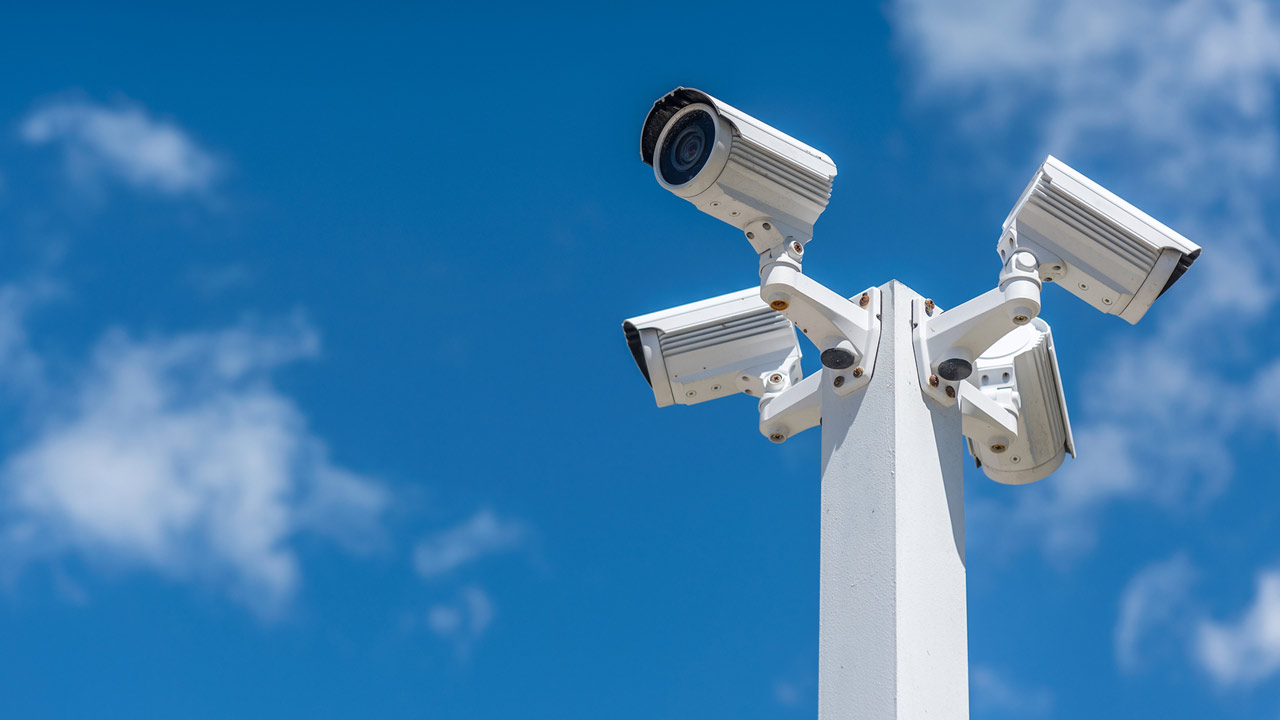
Alright, let’s get into the nitty-gritty. Imagine a PIR sensor mounted in your security camera. It’s not just a single sensor; it’s a sophisticated little system. Here’s what happens when it detects movement.
- Establishing the Baseline: When you first power it on, the PIR sensor takes a few moments to “acclimate.” It scans its field of view and gets a snapshot of the normal, ambient infrared energy of the room or area. It establishes this as the status quo, the “nothing is happening” state.
- The Trigger Event: Now, let’s say a person walks into the room. The human body is typically warmer than the surrounding walls and furniture. This warm body emits a distinct infrared “heat signature” that is different from the baseline the sensor just established.
- The Magic Lens (The Fresnel Lens): This is where it gets clever. If you look closely at a PIR sensor, you’ll see a white, plastic-looking cover with many small facets or ridges. This isn’t just a protective cover; it’s a Fresnel lens. Think of it like a lighthouse lens or the multifaceted eye of a fly. Its job is to collect infrared energy from a wide area and focus it onto the small sensor element inside. More importantly, it divides the field of view into multiple detection zones or “beams.”
- The Pyroelectric Sensor at the Core: Behind the lens sits the heart of the device: a pyroelectric sensor. This sensor is typically made of a crystalline material that generates a small electrical charge when exposed to infrared energy. To prevent false alarms from slow temperature changes (like the room warming up as the sun rises), the sensor is usually split into at least two halves.
- Making the Call: When a person walks across the detection zones created by the Fresnel lens, their heat signature is focused first on one half of the pyroelectric sensor, then the other. This causes a rapid, differential change—first, a positive charge, then a negative one. The sensor’s internal circuitry sees this quick fluctuation and says, “Aha! That’s not the sun slowly warming the room; that’s something warm moving across my field of view.”
This tiny electrical pulse is then amplified and sent to the main device—the security camera, the floodlight, or the alarm system—triggering it to record, turn on, or sound the alarm.
As security technology consultant Dr. Evelyn Reed often says, “A PIR sensor doesn’t see movement in the way we do. It sees the ghost of movement—a fleeting thermal signature that disturbs the quiet infrared background. Its genius lies in its simplicity and efficiency.”
The Good, The Bad, and The Placement
Now that you know how a PIR motion sensor works, it’s easy to understand its strengths and weaknesses. This knowledge is your power when it comes to setting up a reliable security system.
Key Benefits of PIR Technology
- Extremely Low Power Consumption: Because they are passive, PIR sensors sip power, making them perfect for battery-operated wireless cameras and devices. They can last for months or even years on a single charge.
- Fewer False Alarms (Compared to other types): Motion detection that relies on pixel changes in a video feed can be triggered by blowing leaves, shadows, or even insects. Because PIR sensors look for heat, they are far less likely to be fooled by these non-threatening movements.
- Reliability and Cost-Effectiveness: The technology is mature, reliable, and inexpensive to manufacture, which is why it’s found in countless security products.
Common Limitations to Be Aware Of
- They Can’t “See” Through Glass: Your body’s infrared signature is blocked by most glass. So, if you point a PIR sensor at a window, it won’t detect someone walking on the other side.
- Ambient Temperature Can Affect Performance: On a very hot day, when the background temperature is close to body temperature, the sensor’s ability to distinguish a person’s heat signature can be reduced, potentially shortening its detection range.
- Very Slow or Very Fast Motion: Someone moving extremely slowly might not create a fast enough change to trigger the sensor. Conversely, someone sprinting past might move too quickly for the sensor to register the change.
- Direct Heat Sources Cause Trouble: A PIR sensor pointed directly at a heating vent, a sun-drenched patch of asphalt, or a dryer exhaust will likely generate false alarms.
Pro-Tips for Optimal PIR Sensor Placement
Getting the placement right is 90% of the battle. When I installed my first wireless security system, I made the classic mistake of pointing a camera straight down my sun-baked driveway. The false alerts from cars with hot engines were relentless. Here’s how to avoid my mistakes:
- Aim Across Traffic, Not Towards It: PIR sensors are best at detecting motion that crosses their detection zones. For best results, position your device so that an intruder will walk across its field of view, not directly towards it.
- Mind the Height: The ideal mounting height is usually between 6 to 8 feet (about 2 to 2.5 meters). This provides a good downward angle to cover the target area without being easily tampered with.
- Avoid Direct Sunlight and Heat Sources: As mentioned, keep sensors away from anything that can cause rapid temperature changes. This includes HVAC vents, radiators, and areas that get intense, direct sunlight.
- Consider Your Pets: Many modern PIR sensors have “pet immunity.” They are calibrated to ignore the smaller heat signatures of animals under a certain weight (e.g., 40-80 lbs). If you have pets, this is a must-have feature to look for.
Frequently Asked Questions (FAQ)
Q1: What is the typical range of a PIR motion sensor?
A PIR sensor in a consumer-grade security camera typically has a detection range of 25 to 40 feet (about 8 to 12 meters). The detection angle is also important, often ranging from 90 to 180 degrees depending on the device and the Fresnel lens design.
Q2: Can a PIR sensor work in complete darkness?
Absolutely. This is one of its biggest advantages. Since it detects heat and not visible light, a PIR sensor works just as effectively in pitch-black conditions as it does in broad daylight, making it perfect for nighttime security.
Q3: What’s the difference between a PIR sensor and a microwave motion sensor?
While PIR sensors are passive and detect heat, microwave sensors are active. They send out microwave pulses and measure the reflections bouncing off objects. They can cover larger areas and “see” through some materials, but they are more expensive, use more power, and can be triggered by non-threatening objects like swaying tree branches. High-end systems sometimes use both (dual-tech) for maximum accuracy.
Q4: Will a spider crawling on the lens trigger a PIR sensor?
It’s possible, but less likely than with a video-based motion sensor. If the spider is large enough and its body temperature is different enough from the lens surface, it could theoretically trigger the sensor, but this is a rare cause of false alarms.
Q5: Do I need to clean my PIR sensor?
Yes, it’s a good idea to gently wipe the plastic lens cover with a soft, damp cloth every few months. Dust, grime, and cobwebs can obscure the lens, reducing the sensor’s effectiveness and detection range over time.
Your First Step to Smarter Security
Understanding how a PIR motion sensor works is more than just a fun tech fact; it’s a foundational piece of knowledge for anyone serious about security. You now know why your camera alerts you to a person but ignores a tree swaying in the wind. You know why placement is so critical and what to look for when choosing your next piece of security gear. Armed with this insight, you’re no longer just a consumer; you’re an informed user, ready to build a security system that works smarter, not harder.