Ever felt that thrill of unboxing a brand new 4K security camera? The promise of crystal-clear footage, the ability to zoom in and see every detail—it feels like you’re bringing a piece of the future into your home security. But then, a nagging question creeps in: Do 4k Cameras Use More Data? It’s a question I get all the time, and it’s a crucial one. You’re not just investing in a camera; you’re investing in a system that relies on your home’s network and storage. Let’s pull back the curtain and figure this out together, so you can make a smart choice without any nasty surprises on your internet bill.
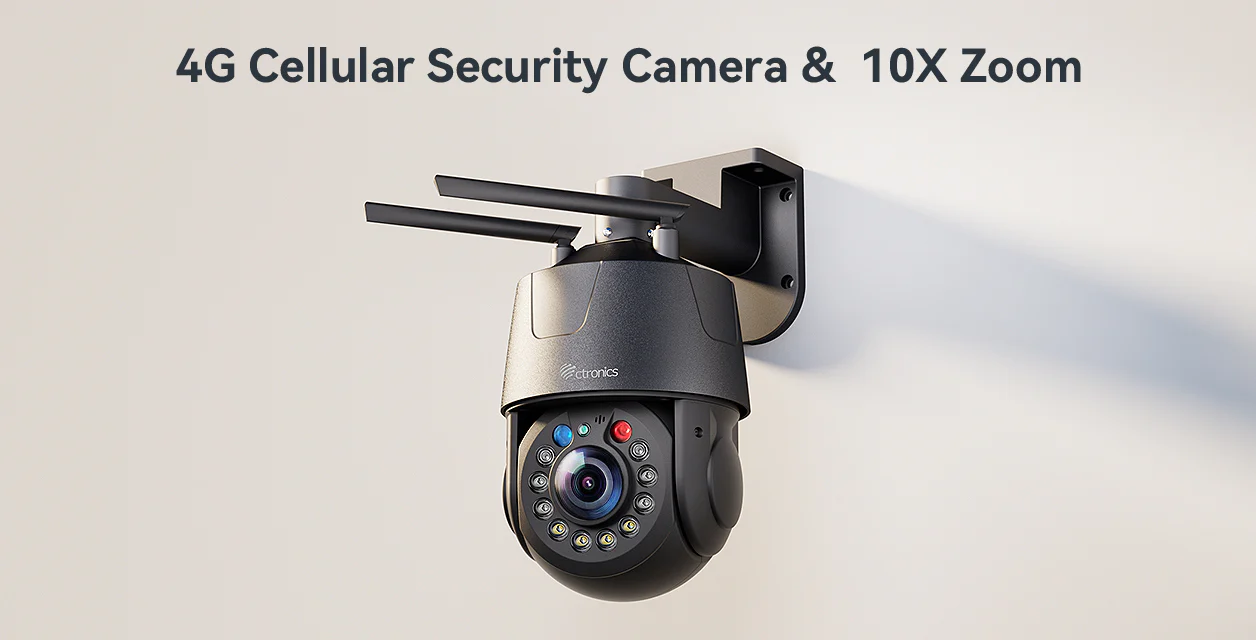
So, Do 4K Cameras Really Use More Data? The Short Answer
Yes, absolutely. A 4K security camera uses significantly more data than its 1080p or 720p counterparts. There’s no getting around the basic math: more detail equals a larger file size, which in turn requires more data to transmit and more space to store.
But that’s just the headline. The real story is in the why and, more importantly, how you can manage it. Don’t let the fear of data consumption scare you away from the incredible benefits of 4K. Understanding the factors at play is the first step to mastering your security setup.
Why 4K is So Data-Hungry: A Look Under the Hood
To understand why 4K cameras are data guzzlers, we need to talk about what “4K” actually means. It’s not just a fancy marketing term.
It’s All About the Pixels
Think of a video image as a giant mosaic made of tiny colored dots called pixels. The more pixels you have, the sharper and more detailed the picture is.
- 1080p (Full HD): This resolution has about 2 million pixels (1920 x 1080). For years, this was the gold standard.
- 4K (Ultra HD): This resolution packs in over 8 million pixels (3840 x 2160). That’s four times the number of pixels as 1080p.
More pixels mean the camera is capturing four times the amount of visual information every single second. All that extra information has to go somewhere, leading directly to larger video files and higher data consumption.
Bitrate: The Data Highway’s Speed Limit
Bitrate is the amount of data used to encode one second of video. It’s measured in megabits per second (Mbps). A higher bitrate generally means better quality, but also a larger file. Because 4K video contains so much more detail, it requires a much higher bitrate to maintain its stunning clarity compared to 1080p. It’s like trying to fit a four-lane highway’s worth of traffic down a one-lane road—you need a bigger pipe for more data.
Just How Much More Data Do 4K Cameras Use?
Alright, let’s get down to brass tacks. The exact amount of data a 4K camera uses can vary wildly based on its settings. However, we can create a simple comparison to give you a real-world idea. The key factors are compression, bitrate, and frame rate (FPS).
Here’s a comparison table showing estimated data consumption for continuous recording:
| Resolution | Compression | Bitrate (Typical) | Data Usage (per hour) | Data Usage (per day) | Data Usage (per month) |
|---|---|---|---|---|---|
| 1080p | H.264 | 2-4 Mbps | ~1-2 GB | ~24-48 GB | ~720-1440 GB |
| 4K | H.264 | 8-15 Mbps | ~4-7 GB | ~96-168 GB | ~2880-5040 GB |
| 4K | H.265 | 4-8 Mbps | ~2-4 GB | ~48-96 GB | ~1440-2880 GB |
As you can see, a 4K camera using older H.264 compression can use four times the data of a 1080p camera. However, modern compression technology changes the game entirely.
“The jump to 4K isn’t just about resolution; it’s about the entire ecosystem. Modern H.265 compression is the unsung hero that makes 4K surveillance practical for homeowners. It effectively cuts the data and storage requirements in half without a noticeable loss in quality.” – David Chen, Lead Security Analyst at TechSecure Insights
Taming the Beast: How to Manage 4K Data Consumption
Okay, so we’ve established that the answer to “do 4K cameras use more data” is a resounding yes. But here’s the good news: you are in complete control. With the right strategies, you can enjoy the benefits of 4K without breaking your data cap or running out of storage.
1. Embrace Modern Compression (H.265/HEVC)
This is the single most important factor. H.265, also known as High-Efficiency Video Coding (HEVC), is a video compression standard designed to be about 50% more efficient than its predecessor, H.264.
What does this mean for you? A 4K camera with H.265 support can produce video of the same quality as one using H.264, but at half the bitrate. This translates to half the data usage and half the storage space. When shopping for a 4K camera, make sure H.265 support is a non-negotiable feature.
2. Record Smarter, Not Harder
Does your camera need to be recording 24/7? For most residential and small business scenarios, the answer is no.
- Motion-Activated Recording: Set your camera to only record when it detects motion. This is incredibly efficient. Instead of recording hours of an empty driveway, it only captures the moments that matter—a person walking up, a car arriving, or a raccoon investigating your trash cans.
- Setting Activity Zones: Most modern cameras allow you to define specific areas in the camera’s view to monitor for motion. This prevents false alarms from trees swaying in the wind or traffic passing by on a distant street, further reducing unnecessary recordings.
3. Tweak Your Camera’s Settings
You have granular control over your video quality, and small adjustments can make a big difference.
- Frame Rate (FPS): This is the number of individual images (frames) your camera captures per second. Cinematic movies are often 24 FPS. For security footage, 15 FPS is often perfectly adequate to capture a clear sequence of events. Dropping from 30 FPS to 15 FPS can nearly halve your data usage.
- Bitrate: Many cameras allow you to set a variable or a maximum bitrate. Lowering the bitrate will reduce file size, but it can also reduce quality. It’s a balancing act, so experiment to find a sweet spot where the quality is acceptable for your needs.
4. Choose the Right Storage Solution
How you store your footage has a major impact on cost and accessibility.
- Local Storage (SD Card or NVR): Storing footage locally on a microSD card or a Network Video Recorder (NVR) means you’re not constantly uploading massive files to the internet. You’ll only use upload bandwidth when you want to view the live feed or recorded events remotely. This is the best option for people with slow internet or data caps.
- Cloud Storage: While incredibly convenient, uploading continuous 4K footage to the cloud requires a robust internet connection with high upload speeds (something many internet plans lack). If you opt for cloud storage, using motion-activated recording is practically essential to keep data usage manageable.
Is Upgrading to 4K Worth the Extra Data?
After all this talk about data, you might be wondering if 4K is even worth the hassle. For me, the answer is a clear yes—if you need the detail.
The real magic of 4K isn’t just a prettier picture. It’s about usable evidence.
- Digital Zoom: With 4K, you can digitally zoom in on recorded footage and still retain a clear image. This is crucial for identifying license plates, faces, or other critical details from a distance. With 1080p, zooming in often results in a blurry, pixelated mess.
- Wider Coverage: A single 4K camera can effectively monitor a larger area than a 1080p camera while still providing enough detail to identify objects at the edges of its view. This might mean you need fewer cameras overall.
I remember an incident where a neighbor’s package was stolen. His 1080p camera caught the event, but the thief’s face was too blurry to identify, and the getaway car’s license plate was unreadable. A 4K camera in the same position would likely have provided actionable evidence for the police. That’s the real-world difference.
Frequently Asked Questions (FAQ)
Q: How much storage do I need for one day of 4K recording?
A: For continuous 24-hour recording, a 4K camera using modern H.265 compression will use roughly 50-100 GB per day. Using motion-only recording will drastically reduce this to just a few gigabytes, depending on the amount of activity.
Q: What is the minimum internet upload speed for a 4K security camera?
A: For smooth live streaming and cloud uploading, a sustained upload speed of at least 4-5 Mbps per camera is recommended. Check your internet plan’s upload speed, not just the download speed, as they are often very different.
Q: Can I use a 4K camera if I have a data cap on my internet plan?
A: Yes, but you must be strategic. Rely on local storage (SD card or NVR) and use motion-activated recording. This will ensure you only use internet data when you are actively viewing the camera remotely, not for continuous uploading.
Q: Does night vision use more data than daytime recording?
A: Generally, no. In fact, black-and-white night vision footage can sometimes create slightly smaller files because there is no color information to encode. However, if the night vision image is “noisy” or grainy due to low light, the compression algorithm may struggle and create a slightly larger file. The difference is usually negligible.
Your Final Verdict on 4K Data Usage
So, let’s circle back to our main question: do 4K cameras use more data? Yes, they do, and it’s a significant amount. But as we’ve seen, it’s not an uncontrollable data monster. By choosing a modern camera with H.265 compression, recording intelligently with motion detection, and selecting the right storage plan, you can easily manage its impact.
The peace of mind that comes from knowing you can capture every critical detail is invaluable. Don’t let the numbers intimidate you. Instead, use this knowledge to build a smarter, more effective security system. Start exploring your options today, and get ready to see your world in stunning Ultra HD clarity.