Have you ever checked your security footage after an incident, only to be met with a useless, washed-out image? A bright, blinding glare can turn your expensive high-definition camera into a worthless piece of plastic. Knowing How To Prevent Glare On Outdoor Cameras isn’t just a technical tweak; it’s fundamental to ensuring your property is actually protected. That flare, that white haze, or that spiderweb shining like a supernova is the gap in your security. But don’t worry, I’ve been there, and I’m here to walk you through exactly how to fix it, from simple tricks you can do in five minutes to pro-level solutions.
First, What’s Actually Causing That Annoying Glare?
Before we can fight the enemy, we need to know what it is. Glare on your security camera isn’t a single issue; it’s a symptom of a few different problems. Understanding which one you’re dealing with is half the battle.
The Most Obvious Culprit: Sun Glare
This is the one we’re all familiar with. Just like you can’t see when you’re driving directly into the sunset, your camera can’t see when the sun is shining straight into its lens. This causes “lens flare”—those streaks and circles of light—and can completely white out the image, especially during sunrise and sunset when the sun is low in the sky.
The Sneaky Saboteur: Infrared (IR) Reflection
This is, without a doubt, the number one reason people have terrible night vision footage. Your camera’s night vision works by blasting out infrared light (invisible to us, but visible to the camera) to illuminate the scene. The problem? That IR light can bounce off nearby objects and reflect directly back into the lens.
Common culprits for IR reflection include:
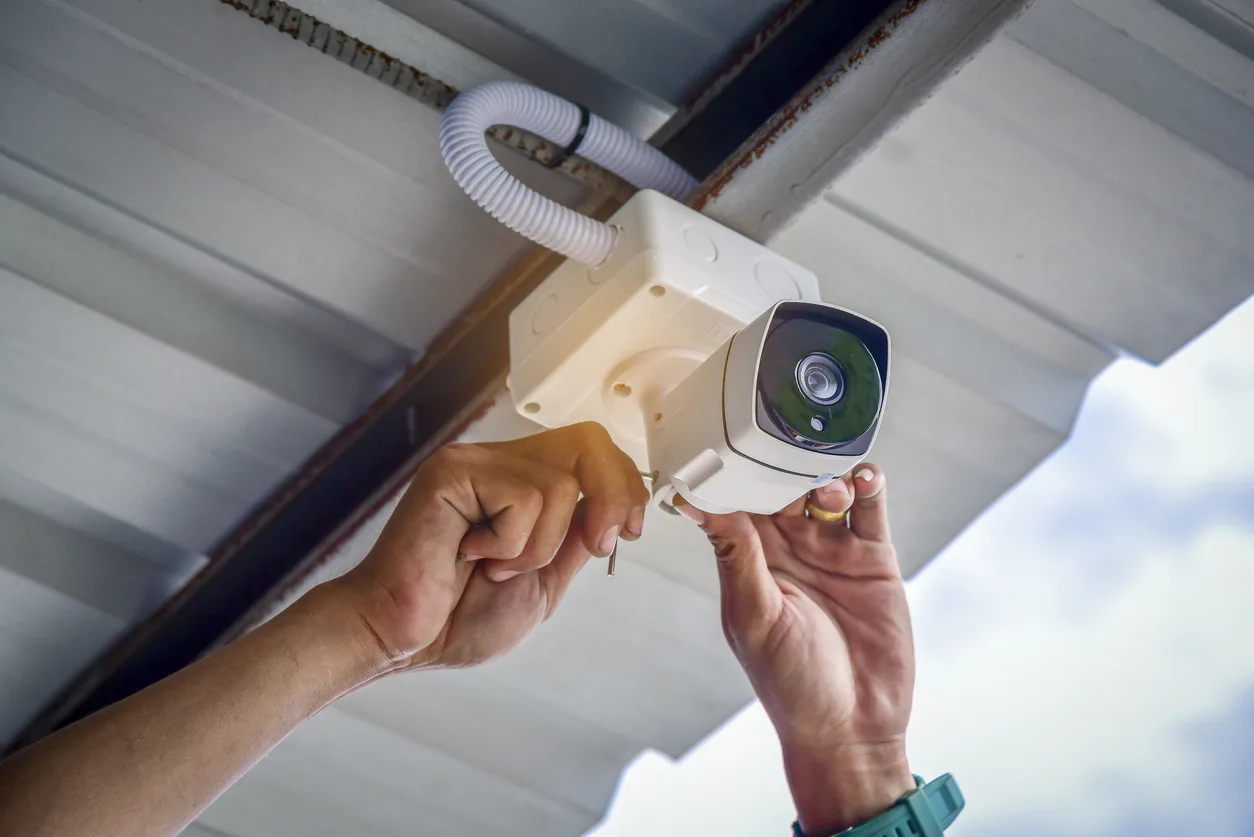
- The camera being installed too close to a soffit, eave, or overhang.
- A nearby wall, pillar, or downspout.
- Raindrops, dust, or even a single spiderweb directly in front of the lens.
The result is a bright, foggy, or “white-out” effect that makes it impossible to see anything more than a few feet away. When I set up my first outdoor camera, I mounted it snugly under the eave. The night footage was a disaster—a perfect image of my white soffit and nothing else.
The City Slicker’s Problem: Artificial Light Glare
Living in a developed area means dealing with other light sources. Porch lights, streetlights, or even a neighbor’s motion-activated floodlight can create intense bright spots in your footage. This can cause the camera’s sensor to get confused, overexposing the bright areas and leaving the rest of the scene in pitch-black shadow.
Simple Fixes You Can Implement Right Now
You don’t always need to buy new gear to solve glare problems. Often, a few simple adjustments can make a world of difference. Let’s start with the basics.
- Clean the Lens Cover: I know, it sounds ridiculously simple. But you’d be shocked at how much dust, pollen, smudges, and hard water spots can build up on an outdoor camera’s dome. These imperfections are a prime surface for IR light to bounce off of. Use a microfiber cloth to gently wipe the lens cover clean. Never use abrasive paper towels or harsh chemicals.
- Adjust the Camera’s Angle: This is a free and incredibly effective way to combat sun glare. If your camera is facing directly east or west, it’s going to get blasted by the sun. Try angling it slightly downwards or to the side. The goal is to keep the sun out of its direct line of sight while still covering the area you need to monitor.
- Properly Use the Sun Shield: Most outdoor bullet-style cameras come with a small, adjustable hood called a sun shield. Its job is to act like the brim of a baseball cap for your camera. Make sure it’s extended as far forward as it can go without appearing in the shot. This little piece of plastic can be surprisingly effective at blocking both sun and rain.
- Check for Nearby Obstructions: Take a close look at what’s immediately around your camera. Is there a white gutter right next to it? Is it mounted directly underneath a light-colored soffit? These surfaces are like mirrors for IR light. Sometimes, moving the camera just six inches down or to the side is all it takes to solve a massive IR glare problem.
Advanced Solutions for Stubborn Glare Problems
If the simple fixes didn’t quite cut it, it’s time to bring out the bigger guns. These techniques address the core hardware and environmental issues that cause persistent glare.
Upgrade to a Camera with True WDR
What is Wide Dynamic Range (WDR)? Think of it like the technology in your own eyes. You can look at a scene with bright sunlight and dark shadows and see details in both areas simultaneously. A standard camera can’t do this; it has to choose one, usually overexposing the bright part and underexposing the dark part.
- True WDR uses advanced sensors and processors to take multiple pictures at different exposure levels and merge them into one balanced image. This is a hardware-level solution and is incredibly effective at handling scenes with high contrast, like a doorway to the bright outdoors or areas with harsh artificial lights.
- Digital WDR (DWDR) is a software-based alternative that is less effective. If glare is a serious problem for you, investing in a camera with True WDR is a must. You can learn more in our detailed guide on [WDR technology in security cameras].
“People often blame the camera for poor night vision, but 90% of the time, it’s an installation issue. A simple adjustment, like moving the camera six inches away from a white soffit, can be the difference between seeing a license plate and seeing a white blob. Mastering how to prevent glare on outdoor cameras is all about understanding how light behaves.”
- David Chen, Certified Security Professional
Use an External IR Illuminator
This is the ultimate solution for night vision IR reflection. The concept is simple: instead of relying on the IR LEDs built into your camera, you turn them off and use a separate, standalone IR illuminator.
Here’s why it works so well:
- You place the external illuminator a few feet away from the camera.
- The illuminator lights up your target area with invisible IR light.
- Since the light source is no longer right next to the lens, there’s no way for it to bounce off a nearby wall, raindrop, or spiderweb and directly back into the camera.
This completely eliminates the foggy “white-out” effect and gives you incredibly clear, evenly lit night vision footage. It turns your camera into a passive observer of the light, rather than the source of it.
Frequently Asked Questions (FAQ)
Why is my security camera footage so foggy at night?
This is almost always caused by infrared (IR) reflection. The camera’s built-in IR lights are bouncing off a nearby surface (like a wall, soffit, or even a spiderweb) and shining directly back into the lens, creating a foggy or white-out effect.
Can a dirty lens really cause that much glare?
Absolutely. Dust, grime, and smudges on the lens cover create a surface that scatters light. For IR night vision, this is a major problem, as each particle can catch and reflect the IR light, contributing to a hazy image.
What’s the difference between WDR and HDR for security cameras?
Both aim to balance light and dark areas, but they do it differently. True WDR is a hardware-based solution that captures multiple exposures at once for a more accurate result, which is generally superior for security applications with motion. HDR (High Dynamic Range) is often software-based and can sometimes create motion blur, but is still a big improvement over standard cameras.
How do I stop spiders from building webs on my camera?
Spiders are attracted to the warmth and the insects drawn to the camera’s IR lights. To deter them, you can apply a thin layer of petroleum jelly or a spider repellent spray on the camera’s housing and mounting bracket. Crucially, never spray anything directly on the lens itself.
Will turning off my porch light help reduce camera glare?
It can, especially if the light is in the camera’s field of view. A better solution is to use a camera with True WDR, which can handle the bright porch light and the dark yard simultaneously. Alternatively, position the camera so the light source is behind it or to the side, not in front of it.
Don’t Let Glare Defeat Your Security
A security camera is only as good as the image it captures. A clear, identifiable image is your best tool for deterring crime and providing crucial evidence if the worst happens. By understanding the causes of glare and applying these practical solutions, you can transform your footage from a blurry mess into a crystal-clear record.
Take a few minutes today to inspect your cameras. Clean the lenses, check the angles, and look for reflective surfaces. Taking these proactive steps on how to prevent glare on outdoor cameras will ensure your system is ready to perform when you need it most, giving you true peace of mind.